
What Should a Professional Preowned Apple Device Inspection Include?
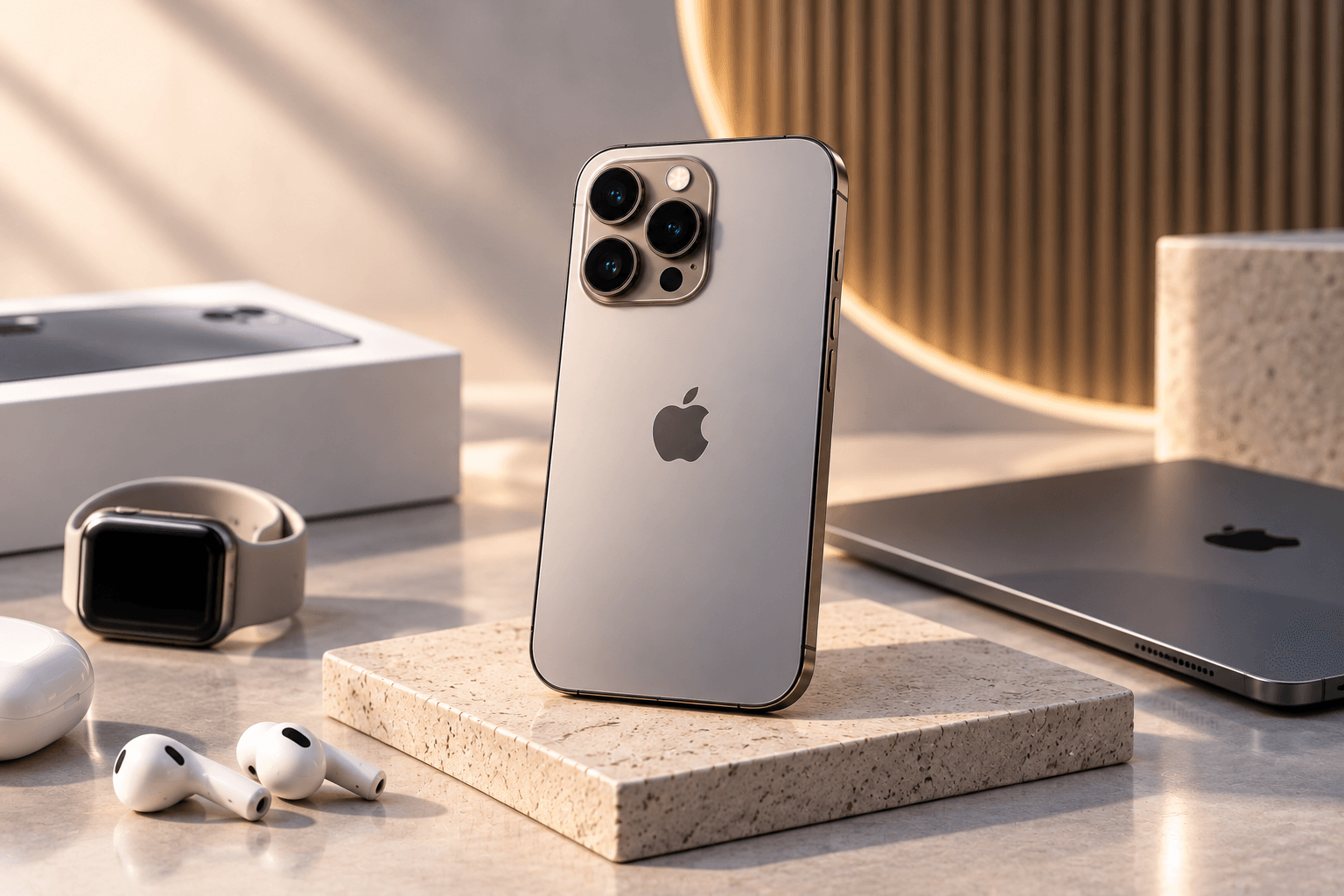
Buying a preowned Apple device should involve more than checking whether it powers on. A professional inspection should evaluate the device's hardware, battery, display, cameras, connectivity, software status, parts history, physical condition and security status before it is offered to another buyer.
For anyone comparing a Certified Second-hand Tech Provider, understanding the inspection process is one of the best ways to judge whether a seller's quality claims are meaningful.
Apple itself recommends that buyers of pre-owned iPhones find out whether the seller certifies its devices, what the certification process involves, what it inspects, and whether the device has physical damage, battery issues or relevant parts and service history.
What Should a Professional Apple Device Inspection Include?
A professional inspection should cover the device from multiple angles rather than relying on a single functional test.
At a minimum, a thorough process should consider:
- Device identity and specifications
- Physical condition
- Display and touch functionality
- Battery health
- Cameras
- Speakers and microphones
- Buttons and biometric features
- Charging and connectivity
- Parts and service history
- Activation Lock and account status
- Software condition
- Warranty and support information
The exact testing procedure can vary according to the device model, age and seller's quality standards.
Why Should the Device's Identity and Specifications Be Verified?
The first step in professional inspection is confirming exactly what device is being evaluated.
This includes checking:
- Model
- Storage capacity
- Serial number
- IMEI where applicable
- Operating system
- Device configuration
- Available features
This prevents a buyer from receiving a product that does not match the advertised specifications.
For example, storage capacity can directly affect the value of an iPhone or iPad, while the exact model determines compatibility with features and software support.
How Should the Physical Condition Be Checked?
Physical inspection helps establish the device's condition grade and identify damage that may not be obvious in product photographs.
A professional inspection should look closely at:
Display
Check for:
- Cracks
- Deep scratches
- Touch-response problems
- Display abnormalities
- Brightness and colour issues
Body and Frame
Inspect the frame and back for:
- Dents
- Significant scratches
- Gaps
- Signs of impact
- Damage around buttons and ports
Cameras and Camera Glass
The camera lenses and surrounding areas should be inspected for cracks, damage or signs of impact.
Physical condition does not automatically determine whether a device works correctly, but it should be accurately disclosed because it affects the buyer's expectations and overall value.
What Should Used Apple Device Testing Cover?
A professional used Apple device testing process should simulate important everyday functions.
Depending on the device, this can include testing:
- Touchscreen
- Face ID or Touch ID
- Volume buttons
- Side or power button
- Cameras
- Flash
- Speakers
- Microphones
- Vibration
- Charging
- Wi-Fi
- Bluetooth
- Mobile connectivity
- GPS and other relevant functions
The purpose is to identify functional problems before the device reaches the customer.
A device that looks excellent externally can still have a faulty speaker, camera, charging port or biometric sensor, which is why visual inspection alone is not enough.
Why Is Battery Testing Important?
Battery condition is one of the most important parts of preowned-device inspection.
For supported iPhones, Apple provides battery information through the device settings. Buyers can check battery health and charging information to understand the battery's current condition.
Apple also explains that rechargeable batteries naturally lose capacity as they chemically age.
A professional inspection should therefore consider:
- Battery health or capacity
- Service recommendations
- Battery-related warnings
- Charging behaviour
- Whether the battery has been replaced
- Available battery-related service history
Battery condition should then be reflected appropriately in the device's grading or pricing.
Why Should Parts and Service History Be Checked?
Parts and service history can provide valuable information about previous repairs.
On supported iPhones, users can access this information through:
Settings → General → About → Parts and Service History
Apple states that supported devices can display information about certain replaced components. Depending on the circumstances, labels can include Genuine, Used, Unknown or other repair-related information.
This makes parts verification an important component of professional quality checking.
A replacement component does not automatically mean that a device should be rejected. Instead, the buyer should understand:
- What was replaced
- Whether the component is identified as genuine
- Whether the repair was completed properly
- Whether any warnings remain
- How the repair affects the device's functionality
How Important Is Activation Lock Verification?
Activation Lock is a critical security check.
Apple advises buyers not to take ownership of a pre-owned iPhone or iPad if it remains linked to the previous owner's Apple Account. If the device displays “iPhone Locked to Owner”, Apple says not to purchase it.
A professional inspection should therefore confirm that:
- The previous owner's account has been removed.
- Find My has been disabled as required.
- The device has been properly erased.
- The new buyer can begin setup without requiring the previous owner's credentials.
This is not merely a convenience check—it is an essential part of verifying that the device is ready for legitimate new ownership.
Should Software and Functionality Be Checked After Reset?
Yes.
A professional inspection should consider the software state of the device and whether it can be set up normally.
For an iPhone, the setup process can help reveal whether the device remains linked to a previous owner.
The inspection should also confirm that important functions operate correctly after the device has been prepared for resale.
This helps ensure that a customer does not receive a device that looks functional but cannot be properly activated.
What Does Quality Checking Mean for MacBooks and iPads?
The inspection process should be adapted to the product category.
For a MacBook, relevant checks can include:
- Display
- Keyboard
- Trackpad
- Battery condition
- Charging
- Ports
- Speakers
- Camera
- Wi-Fi
- Bluetooth
- Storage
- Performance
- macOS status
For an iPad, testing may include:
- Touchscreen
- Display
- Battery
- Cameras
- Speakers
- Microphones
- Buttons
- Charging
- Wi-Fi
- Apple Pencil compatibility where relevant
- Account and activation status
A professional inspection should therefore be device-specific rather than using exactly the same checklist for every Apple product.
Should Genuine Parts Be Part of the Inspection?
Parts should be evaluated carefully, particularly when a device has a repair history.
Apple explains that Parts and Service History can identify certain components and their status on supported iPhones. Apple also notes that repairs by Apple and Apple Authorised Service Providers use genuine Apple parts, while Independent Repair Providers may also have access to genuine Apple parts under Apple's program.
This is why sellers should avoid making broad claims such as “100% original” without explaining what that statement means.
A more useful approach is to disclose relevant repair and component information clearly.
Should Device Condition Be Graded?
Yes.
A professional inspection should result in a clear condition assessment.
A grading system can help buyers understand whether a device is:
- Like new
- Excellent
- Very good
- Good
- Showing visible signs of use
The exact labels can differ between providers.
What matters is that the grading criteria are consistent and that the physical condition described matches the actual device.
What Warranty Information Should Be Checked?
Inspection and warranty are separate, but both contribute to buyer confidence.
A professional provider should clearly explain:
- Warranty duration
- Covered faults
- Exclusions
- Battery coverage
- Repair procedure
- Replacement policy
- Return period
Apple's own repair service terms demonstrate why buyers should distinguish between manufacturer coverage and a seller's own warranty. Apple states that its authorised service and repairs have specific coverage and service terms.
For a preowned device, always read the actual seller warranty rather than assuming that Apple's standard warranty applies to the resale transaction.
What Should a Buyer Ask a Certified Second-hand Tech Provider?
Before purchasing, ask the provider:
- What does your inspection process include?
- Is battery health checked?
- Are cameras, speakers and microphones tested?
- Is the charging port tested?
- Can I see Parts and Service History where available?
- Has Activation Lock been removed?
- Are repaired components disclosed?
- How is physical condition graded?
- What warranty is included?
- What is the return or replacement policy?
A provider that clearly explains these points makes it easier for customers to understand what they are actually buying.
How Can You Verify a Seller's Quality Claims?
Don't rely entirely on words such as “certified,” “quality checked” or “tested.”
Instead, ask what those terms mean in practice.
Look for evidence of:
- A defined inspection process
- Consistent grading
- Device-specific testing
- Battery assessment
- Parts-history verification
- Activation Lock checks
- Transparent warranty terms
- Clear return policies
Apple itself recommends that online buyers understand whether a seller certifies its preowned devices and what that certification process entails.
That makes transparency an important part of evaluating any Certified Second-hand Tech Provider.
Why Choose Preown for Quality-Checked Apple Devices?
Preown focuses on premium preowned Apple devices and aims to give customers a more structured purchasing experience when choosing used Apple products.
You can explore Preown's Apple device collection to compare available products.
Understanding the company behind the devices is also useful when evaluating quality and support. You can learn more about Preown before making a purchase decision.
For buyers looking for Apple devices in Kerala, local availability can also be considered. Preown provides dedicated pages for Apple products in Kochi and Apple products in Calicut
Need Help Understanding a Preowned Device's Condition?
If you are comparing models and want to understand what condition, testing or warranty information to look for, you can contact Preown's experts for product-related assistance.
What a Professional Inspection Really Tells You
A professional preowned Apple device inspection should go far beyond switching the device on and checking whether the screen lights up.
It should evaluate the device's identity, physical condition, battery, core functions, connectivity, repair history, parts information, software status and Activation Lock.
For anyone choosing a Certified Second-hand Tech Provider, the most important question is not simply whether a device is called “certified.” It is whether the provider can clearly explain what was inspected, how it was evaluated and what protection the buyer receives.
A transparent inspection process gives buyers much more useful information than a certification label alone.
Frequently Asked Questions
1. What should a professional preowned Apple device inspection include?
A thorough inspection should cover the device's model and specifications, physical condition, display, battery, cameras, speakers, microphones, buttons, charging, connectivity, software status, parts and service history and Activation Lock. The exact checks should be adapted to the specific Apple product being inspected.
2. How can I check whether a used iPhone has been repaired?
On supported iPhones, open Settings → General → About and look for Parts and Service History. Apple says this section can provide information about certain replaced components and may show labels such as Genuine, Used or Unknown depending on the device and repair history.
3. Why is Activation Lock important when buying a used Apple device?
Activation Lock links a device to the previous owner's Apple Account through Find My. Apple advises buyers not to take ownership of a used iPhone or iPad if it remains protected by Activation Lock. The device should be erased and ready for the new owner's setup before purchase.
4. Should battery health be checked during preowned-device inspection?
Yes. Battery condition can affect everyday usability and future maintenance needs. Apple recommends checking battery health when buying a pre-owned iPhone. Buyers should consider battery information alongside the device's model, age, condition, repair history and price.
5. Does a repaired Apple device automatically mean it is poor quality?
No. A repaired device can still be functional and suitable for use. What matters is understanding what component was replaced, how the repair was performed and whether the device shows any relevant service or component messages. Parts and Service History can help buyers evaluate supported iPhones.
6. What makes a second-hand tech provider trustworthy?
A trustworthy provider should be able to explain its inspection process, condition grading, battery checks, repair-history verification, Activation Lock checks, warranty and return policy. Clear information is more useful than relying solely on labels such as “certified” or “quality checked.”
7. Is certification the same as Apple-certified repair?
No. A seller's certification of a preowned device is not automatically the same thing as Apple-certified repair. Apple distinguishes its authorised service network and repair programs from other providers. Buyers should ask exactly what a seller means when it describes a device or inspection as “certified.”
Ready to Find Your Perfect Device?
Explore our collection of premium pre-owned phones and latest gadgets.
Shop Now