
Used iPhones in Kerala: How to Choose a Reliable Preowned iPhone
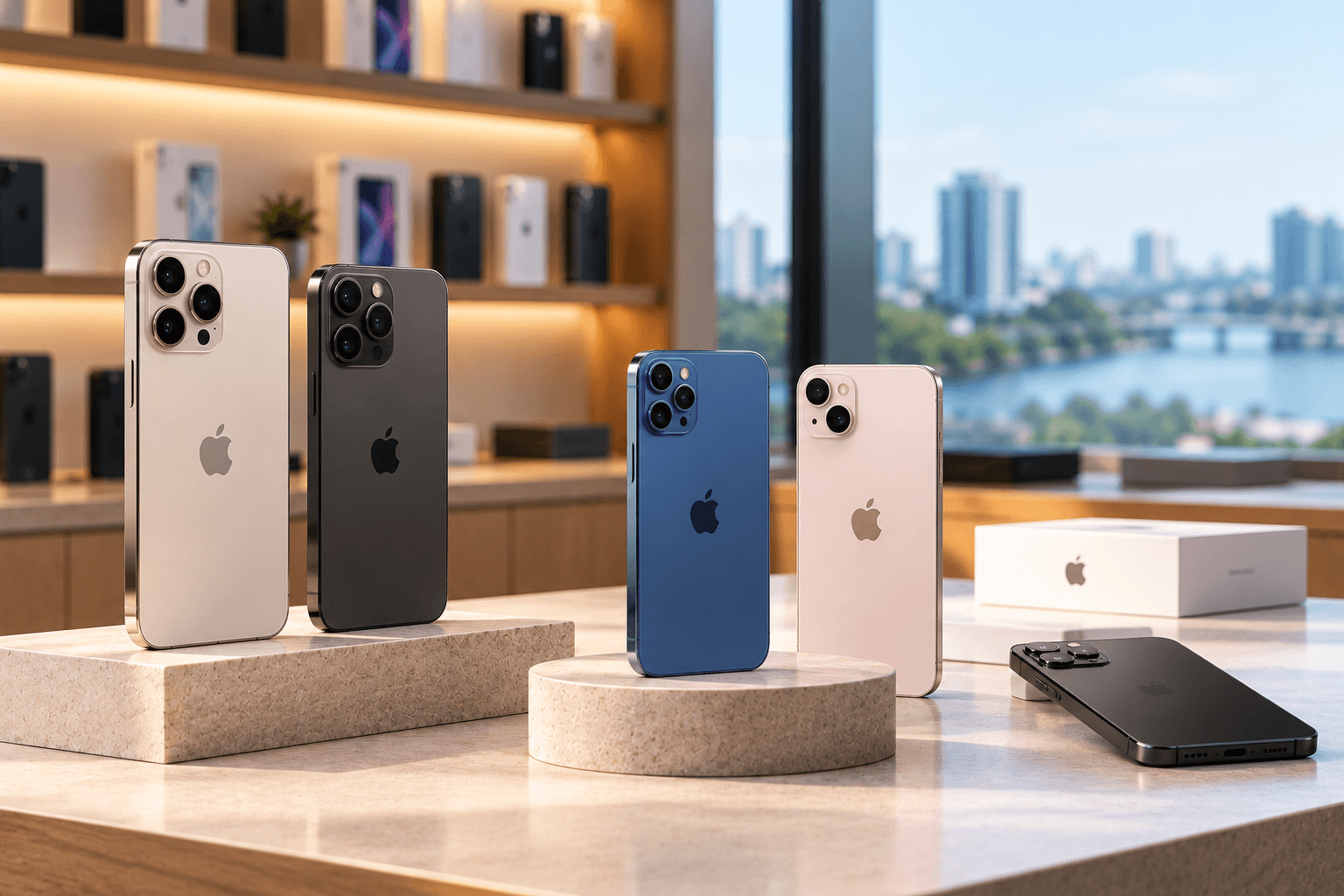
Buying a preowned iPhone can be a practical way to experience Apple's features without paying the full price of a brand-new device. Whether you are looking for used iPhones in Kochi or exploring preowned iPhones in Calicut, the right choice depends on more than the model and price.
Battery health, physical condition, storage capacity, software support, repair history and warranty coverage all influence the value of a used iPhone. A device that looks good on the outside may still have battery issues, replaced components or activation problems.
Understanding what to check before purchasing can help you compare options confidently and avoid unexpected expenses. This guide explains how to choose a reliable preowned iPhone in Kerala and what to consider before making your purchase.
Why Consider Buying a Used iPhone in Kerala?
Preowned iPhones appeal to buyers who want Apple smartphones at a more accessible price. Instead of purchasing the newest model, you can compare different generations and select one that matches your budget and requirements.
Some benefits of buying a used iPhone include:
- Lower upfront cost: Preowned models generally cost less than comparable new devices.
- Access to premium features: You may be able to explore advanced cameras, displays and performance features at a lower price.
- More model choices: Different generations offer varying combinations of price, storage and functionality.
- Suitable for everyday use: A well-maintained iPhone can support communication, photography, social media, entertainment and productivity.
- Flexible budget planning: You can compare multiple models before deciding which features are worth paying for.
However, not every used iPhone offers good value. A very old model, poor battery condition or an unclear repair history can reduce its usefulness. Always evaluate the complete device rather than relying on price alone.
How to Choose a Reliable Preowned iPhone
Before buying, follow a checklist to evaluate the device's condition and suitability.
1. Check Battery Health
Battery health is one of the most important factors when purchasing a preowned iPhone. Batteries naturally lose capacity over time, which can affect daily usage and performance.
On supported iPhone models, open Settings, select Battery, and look for Battery Health or Battery Health & Charging. Review the maximum capacity and any performance-related warnings shown by the device.
During your inspection, consider:
- Whether the battery drains unusually quickly
- Whether the phone becomes excessively warm during ordinary use
- Whether it shuts down unexpectedly
- Whether charging works consistently
- Whether a battery service warning appears
Maximum capacity is useful information, but it does not tell the entire story. Actual battery performance also depends on usage, age and condition. If the battery has been replaced, ask whether the replacement and its status are documented.
2. Inspect the Display and Body
Carefully inspect the screen and body before making a purchase. Small scratches may be cosmetic, while display defects or structural damage can affect usability.
Check for:
- Cracks, deep scratches or screen discoloration
- Unresponsive areas on the touchscreen
- Flickering, dead pixels or unusual brightness differences
- Damage around the charging port and buttons
- Loose components or signs of impact
- Camera lens scratches or condensation
Test the touchscreen across the entire display. Open a plain screen or application and check whether touch input works consistently.
Also inspect the frame and back glass under good lighting. Ask the seller about any significant damage or previous repairs.
3. Test the Cameras, Speakers and Buttons
A used iPhone should be checked beyond its screen and battery. Test its main functions before purchasing whenever possible.
Take photos using the front and rear cameras. Check focus, video recording and flash functionality where available. Play audio to assess the speakers, and make a test call if possible to evaluate the microphone and earpiece.
You should also test:
- Volume buttons and the side button
- Charging and data connection
- Wi-Fi and Bluetooth
- Mobile network connectivity
- Face ID or Touch ID, depending on the model
- Vibration and other essential functions
If a feature does not work, ask whether it can be repaired and how that would affect the overall cost.
4. Verify the Model and Storage Capacity
Different iPhone generations offer different performance levels, camera capabilities and storage options. Choose a model that meets your current needs and is likely to remain suitable for your expected period of use.
Consider the following:
- Model and generation: Compare the device's capabilities with your requirements.
- Storage: Choose enough space for photos, videos, apps and files.
- Camera features: Review the camera capabilities you actually need.
- Performance: Consider the apps you use and how smoothly they run.
- Software support: Check whether the model supports the iOS version and security updates you need.
For buyers who store large amounts of video or photos, higher storage may be more useful than choosing a model based on appearance alone.
Important Security Checks Before Buying a Used iPhone
Security checks are essential because a device can appear fully functional while still being linked to a previous owner.
Confirm Activation Lock Is Disabled
Make sure the previous owner's Apple Account has been removed and the iPhone can be activated by you. Never buy a device that remains linked to another person's account or displays an unresolved Activation Lock.
If the seller resets the iPhone, complete the setup process far enough to verify that it can be activated normally before finalising the purchase.
Check the IMEI and Serial Number
You can find device identification details in the iPhone's Settings under General and About. Compare the information with available device documentation where appropriate.
Apple provides official resources to help users identify their devices and check service and support information. However, a serial number alone does not prove that a device is genuine, free from faults or free from ownership disputes.
Buy from a seller who can explain the device's history and provide clear purchase documentation.
Ask About Repairs and Replaced Parts
Some used iPhones may have had a battery, screen or other component replaced. Repairs are not automatically a reason to reject a device, but you should understand what was replaced and whether the work was performed appropriately.
On supported models and iOS versions, you may be able to review Parts and Service History under Settings and General. The information displayed depends on the device and repair.
Ask the seller to disclose known repairs and check any available repair documentation before deciding.
Where to Buy Used iPhones in Kochi
If you are planning to buy used iPhones in Kochi, compare local stores based on product condition, pricing transparency, warranty terms and customer support.
A reliable seller should be able to explain the iPhone's specifications, condition and any known issues. You should also understand the return or replacement policy before paying.
Preown is one option to explore when comparing preowned Apple devices. Visit the Preown Kochi store page for local store information.
Before visiting, confirm current iPhone availability, model options, prices and warranty coverage. Stock can vary, and the best model for you depends on your budget and requirements.
Finding Preowned iPhones in Calicut
Buyers looking for preowned iPhones in Calicut should use the same evaluation process: compare battery condition, display quality, storage, software compatibility, repair history and warranty terms.
Do not assume that two phones of the same model will have the same condition. Their battery performance, previous usage and repair history may differ significantly.
You can explore the Preown Calicut store page for local store information. You can also browse the Preown product collection to review the available range.
Check with the seller before travelling or purchasing to confirm whether your preferred model and storage configuration are available.
How Much Should You Spend on a Preowned iPhone?
The right price depends on the iPhone model, storage capacity, age, physical condition, battery health and warranty coverage. Market prices can also change as newer models become available.
To compare prices fairly:
- Compare the same model and storage configuration.
- Check whether the devices have similar battery health.
- Consider the physical condition and repair history.
- Confirm whether accessories are included.
- Compare the warranty and return policies.
- Research whether the model supports the features and software you need.
A cheaper phone may not be the better deal if it needs a battery replacement or has a damaged display. Consider the total potential cost of ownership, not just the purchase price.
Why Consider Preown for Preowned iPhones?
Preown focuses on premium preowned Apple devices for customers looking for alternatives to buying new. When evaluating any seller, look for clear product information, transparent condition details and understandable warranty terms.
Before choosing a device, compare its specifications and condition with your budget and intended use. Ask any questions you have about battery health, previous repairs, accessories and after-sales support.
Visit the Preown website to learn more about the store and its product range.
Ready to Find the Right Preowned iPhone?
Choosing a used iPhone becomes easier when you know which features matter most. Set your budget, shortlist suitable models and check battery health, physical condition, activation status and software compatibility before making a decision.
If you need help exploring available options, contact the Preown team to discuss your requirements.
Conclusion
Finding a reliable preowned iPhone in Kerala requires careful research and a thorough device inspection. Whether you plan to buy used iPhones in Kochi or explore preowned iPhones in Calicut, compare the model, storage, battery health, physical condition and warranty before purchasing.
Verify that the device can be activated using your own account, ask about repairs and check that its software supports your essential applications. By evaluating these details and choosing a transparent seller, you can make a more informed purchase and find an iPhone that suits your needs and budget.
Frequently Asked Questions
1. Is buying a used iPhone in Kerala a good idea?
Buying a used iPhone can be a good option if the device is in suitable condition and meets your needs. Compare its price, battery health, specifications, software support and warranty with other available options. Inspect the phone and verify its activation status before paying to reduce the risk of unexpected problems.
2. Where can I buy used iPhones in Kochi?
You can compare preowned gadget stores in Kochi and review their available iPhone models, condition information and warranty policies. Preown's Kochi store page is one place to start. Confirm current stock and pricing with the seller before visiting or making a purchase.
3. What should I check before buying preowned iPhones in Calicut?
Check battery health, display condition, cameras, speakers, charging, buttons and network connectivity. Verify the model and storage, check software compatibility, and ensure Activation Lock is disabled. Ask about previous repairs, warranty coverage and return conditions so you understand what is included in the purchase.
4. What is a good battery health percentage for a used iPhone?
A higher maximum capacity generally indicates less battery wear, but there is no single percentage that guarantees good performance. Consider the battery health reading alongside real-world performance, service warnings and the device's price. If the battery needs replacement soon, factor that potential expense into your decision.
5. How can I check whether a used iPhone is genuine?
Review the model and serial number in Settings, inspect the hardware and software, and verify that the phone can be activated normally. Where available, check service and repair information. A serial number alone is not conclusive proof of authenticity or condition, so buy from a seller who provides transparent product details and documentation.
6. Should I buy an older iPhone model to save money?
An older model may offer good value if it meets your performance requirements and continues to support the software and applications you need. However, older devices may have more battery wear and a shorter remaining software-support period. Compare the total cost, condition and expected useful life before choosing.
7. Do preowned iPhones come with a warranty?
Warranty coverage depends on the seller, device and purchase terms. Some preowned phones may include a seller warranty, while others may have limited or no coverage. Ask for the warranty duration, covered faults, exclusions and claim process in writing before purchasing.
Ready to Find Your Perfect Device?
Explore our collection of premium pre-owned phones and latest gadgets.
Shop Now