
Used MacBooks in Calicut: A Guide to Choosing Quality-Tested Preowned Apple Laptops
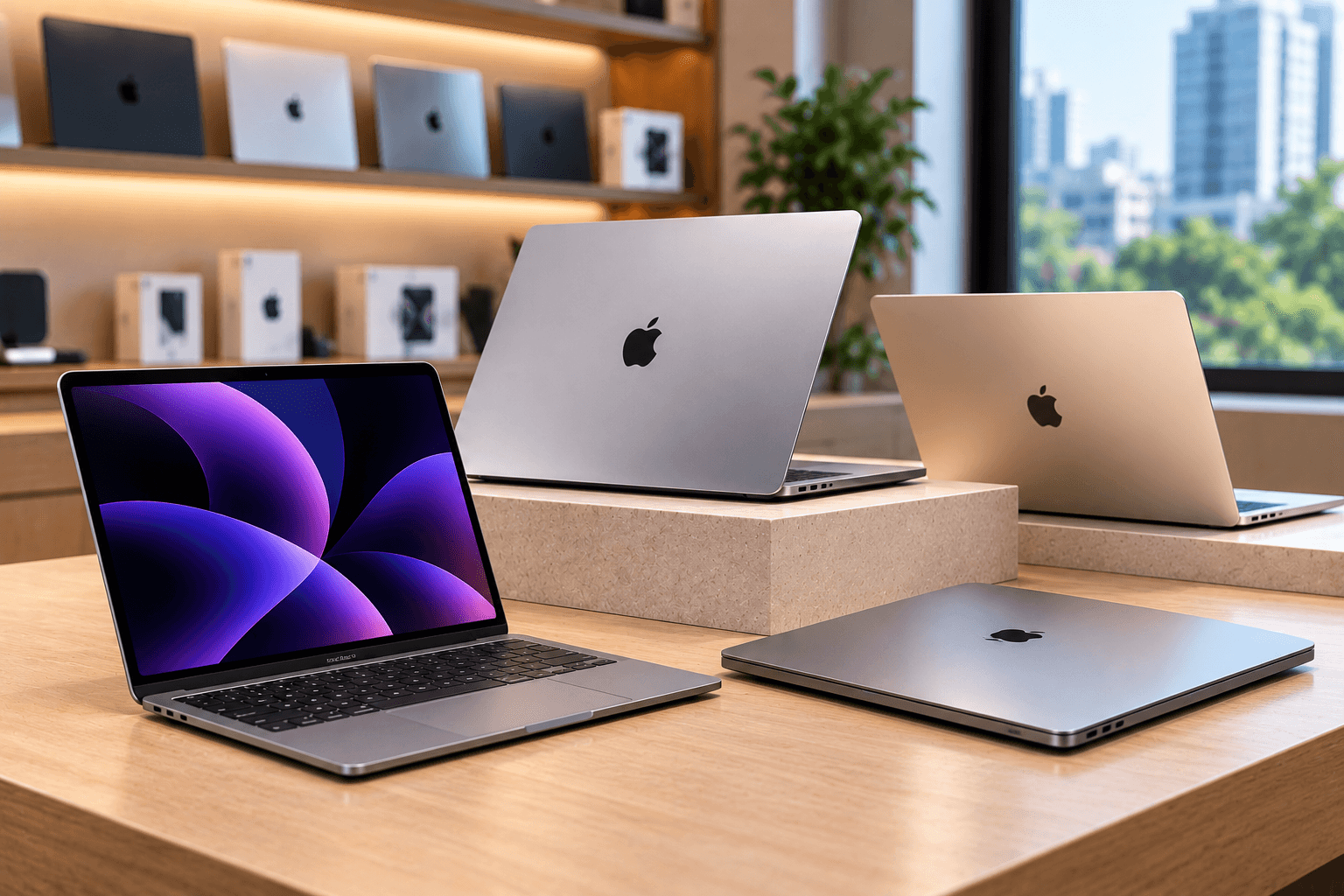
Looking for used MacBooks in Calicut without spending the full price of a brand-new Apple laptop? A preowned MacBook can be a practical option for students, professionals, freelancers and business owners who want a laptop for work, education or creative projects.
However, not every preowned MacBook offers the same value. The model, processor, RAM, storage, battery condition, physical appearance and software compatibility can significantly affect its performance and long-term usefulness.
Whether you are exploring premium used certified gadgets in Calicut or comparing preowned MacBooks in Kochi, understanding what to check before purchasing can help you make a more informed decision.
This guide explains how to evaluate a used MacBook, compare different configurations and choose a device that fits your budget and requirements.
Why Consider Buying a Used MacBook in Calicut?
MacBooks are widely used for productivity, education, programming, content creation and everyday computing. Buying a preowned model may provide access to Apple's laptop ecosystem at a lower upfront cost.
Here are some reasons to consider a used MacBook:
- Lower purchase cost: Preowned models generally cost less than comparable new devices.
- Suitable for professional tasks: Depending on the configuration, a used MacBook may handle office work, browsing, programming and creative applications.
- Different models to compare: You can evaluate MacBook Air and MacBook Pro options across multiple generations.
- Flexible budget choices: Different processor, RAM and storage configurations allow you to compare devices based on your needs.
- Potential long-term usefulness: A well-maintained MacBook with suitable specifications and software support can remain useful for years.
The key is to compare the device's overall condition and capabilities rather than choosing solely by its price or appearance.
MacBook Air vs MacBook Pro: Which Should You Choose?
Before you buy used MacBooks in Calicut, decide which type of MacBook best suits your workload.
MacBook Air for Everyday Productivity
A MacBook Air may be suitable for students, office employees, freelancers and users who need a portable laptop for everyday work.
Common uses include:
- Browsing and online research
- Microsoft Office and document editing
- Online meetings and communication
- Digital marketing and SEO tasks
- Content writing and basic creative work
- Online learning and assignments
When considering an older MacBook Air, check its processor generation, memory, battery condition and compatibility with the applications you use.
MacBook Pro for More Demanding Workloads
A MacBook Pro may be worth considering if your work involves more demanding applications, depending on its exact configuration.
Potential use cases include:
- Video editing and motion graphics
- Software development
- Graphic design
- Large creative projects
- Multitasking with demanding applications
Do not assume that every MacBook Pro automatically outperforms every MacBook Air. Compare the specific chip or processor, RAM, storage and generation before deciding.
What to Check Before Buying a Used MacBook
A thorough inspection can help you identify potential problems before purchasing a preowned laptop.
1. Check the Processor and Model Year
Start by identifying the exact MacBook model and year. Different generations have different performance capabilities, ports, battery characteristics and software compatibility.
On a MacBook, open the Apple menu and select About This Mac to review the available model and processor information.
Check whether the device meets your needs for:
- Everyday productivity
- Digital marketing and SEO tools
- Programming and development
- Graphic design and video editing
- Online meetings and multitasking
Also verify that the model supports the macOS version and applications required for your work.
2. Inspect RAM and Storage
RAM and storage affect how comfortably you can work with applications and files.
RAM: More memory can help when running multiple applications or working with demanding software. Check the installed memory and whether it meets the requirements of your workflow.
Storage: Check the available SSD capacity and consider how much space you need for applications, documents, photographs and videos.
For example, someone working mainly with documents and browser tabs may have different requirements from a video editor managing large media files.
Choose the configuration that fits your workload instead of assuming that every MacBook with the same name has identical performance.
3. Evaluate Battery Health
Battery condition is particularly important when buying a preowned laptop. A worn battery may provide less unplugged usage time and could require replacement.
On supported macOS versions, check the battery condition through System Settings under Battery. You can also find battery cycle information in the system information report.
During inspection, consider:
- Battery condition and any service warnings
- Battery cycle count, where available
- Whether the laptop charges consistently
- Unexpected shutdowns or rapid battery drain
- Excessive heat during ordinary use
- Whether the battery has previously been replaced
Cycle count alone does not determine battery health. Consider it alongside the displayed condition and actual performance. Ask the seller about any known battery issues and the cost of potential replacement.
4. Inspect the Display and Body
Check the MacBook's screen under good lighting. Display defects can affect everyday use and may be expensive to repair.
Look for:
- Cracks or deep scratches
- Flickering or unusual colour changes
- Dead pixels or uneven brightness
- Display damage or marks
- Dents and signs of impact on the body
- Loose hinges or unusual resistance when opening the lid
Open different applications and display light and dark backgrounds to help identify visible issues.
Also inspect the keyboard, trackpad and palm-rest area for signs of wear or liquid damage.
5. Test the Keyboard, Trackpad and Ports
Before purchasing, test the main hardware functions.
Check that:
- Every keyboard key responds correctly
- The trackpad moves and clicks properly
- The display brightness and volume controls work
- The charging port connects reliably
- The available USB-C, Thunderbolt or other ports function
- Wi-Fi and Bluetooth connect normally
- The camera, microphone and speakers work
- Touch ID works where available
The available ports depend on the MacBook model, so compare them with the accessories you plan to use.
If a feature does not work, ask the seller about the fault and whether it has been repaired.
6. Verify Account and Activation Status
Account security is an essential part of buying a preowned MacBook.
Confirm that the previous owner's account has been removed and that the device can be set up using your own account. Ask the seller to explain any activation or management restrictions.
Avoid buying a laptop that remains linked to another person's account or is subject to unresolved organisational management restrictions.
Where applicable, ask whether Find My and Activation Lock have been properly addressed before the sale. The device should be ready for legitimate ownership and normal setup.
7. Ask About Repairs and Warranty
A preowned MacBook may have undergone repairs or component replacements. Ask the seller to disclose known repairs and provide any available documentation.
You should also confirm:
- Whether a warranty is included
- The duration of the warranty
- Which faults or components are covered
- Any exclusions or limitations
- The process for requesting service
- The applicable return or replacement policy
A clear warranty policy can make it easier to understand your options if a problem appears after purchase.
Is a Quality-Tested MacBook Worth Buying?
A quality-tested MacBook can be worth considering when the seller clearly explains the inspection process and the condition of the device.
However, the phrase "quality-tested" should be supported by meaningful checks. Ask whether the seller has assessed the battery, display, keyboard, trackpad, ports, camera, speakers, connectivity and overall system performance.
Also ask whether any faults or repairs have been identified. Testing does not necessarily mean that a laptop is new, free from cosmetic marks or guaranteed to remain fault-free.
When comparing premium used certified gadgets in Calicut, focus on transparent inspection information, fair pricing, warranty coverage and after-sales support.
Where to Find Used MacBooks in Calicut
If you are looking for used MacBooks in Calicut, compare sellers based on product information, condition, specifications, pricing and warranty terms.
A useful starting point is to explore local store information and confirm whether the model you want is currently available.
Preown is one option to consider when comparing preowned Apple devices. Visit the Preown Calicut store page for local store information.
You can also browse the Preown product collection to review the available product range. Contact the seller to confirm current MacBook models, configurations, prices and warranty details before visiting or purchasing.
What If You Are Comparing Preowned MacBooks in Kochi?
Buyers exploring preowned MacBooks in Kochi can use the same evaluation process. Compare the exact model, processor, RAM, storage, battery condition, software compatibility and warranty rather than choosing based on location or price alone.
Two MacBooks from the same generation may differ in configuration and condition, so check each device individually.
You can visit the Preown Kochi store page for local store information. Confirm the availability of your preferred MacBook and ask about inspection and warranty terms before making a decision.
How to Compare MacBook Prices
The price of a preowned MacBook depends on several factors, including model year, processor, RAM, SSD capacity, battery health, physical condition and warranty coverage.
Use this checklist to compare options fairly:
- Compare the same model and configuration.
- Check the battery condition and available cycle information.
- Inspect the display, keyboard, trackpad and ports.
- Verify macOS and application compatibility.
- Ask about previous repairs and replaced components.
- Compare warranty terms and after-sales support.
- Consider any additional costs, such as adapters or battery replacement.
A laptop with a lower purchase price may become more expensive if it requires repairs or cannot run the software you need. Evaluate the overall value instead of focusing only on the initial cost.
Why Consider Preown for Preowned Apple Devices?
Preown focuses on premium preowned Apple devices for customers looking for alternatives to buying new. When comparing sellers, look for clear product descriptions, transparent condition information and understandable warranty terms.
Whether you need a MacBook for education, office productivity, digital marketing or creative work, compare available configurations against your actual requirements.
Visit the Preown website to learn more about the store and its product range.
Ready to Choose a Used MacBook?
The right preowned MacBook should suit your workload, fit your budget and offer the specifications you need. Shortlist suitable models, inspect the hardware, check battery condition and confirm software compatibility before purchasing.
Conclusion
Finding a suitable used MacBook in Calicut requires careful comparison of specifications, condition, battery health and warranty coverage. Whether you are a student, professional, freelancer or business owner, selecting a device based on your actual workload can help you get better value from your purchase.
Before buying, verify the model and configuration, test the hardware, check account status and ask about previous repairs. Compare preowned MacBooks in Calicut and Kochi using the same criteria so you can choose a device that meets your needs with greater confidence.
Frequently Asked Questions
1. Where can I buy used MacBooks in Calicut?
You can compare preowned gadget stores in Calicut and evaluate their available MacBook models, specifications, condition and warranty terms. Preown's Calicut store page is one place to start. Confirm current availability, pricing and configuration details with the seller before visiting.
2. Is buying a used MacBook worth it?
A used MacBook can offer good value if its condition, performance and software compatibility meet your needs. It may suit students, office employees, freelancers and professionals. Compare the processor, RAM, storage, battery health and warranty before purchasing, and account for any potential repair or accessory costs.
3. What should I check before buying a preowned MacBook?
Check the model year, processor, RAM, SSD storage, battery condition, display, keyboard, trackpad, ports and connectivity. Verify that the previous owner's account has been removed and that the device can be set up normally. Ask about repairs, warranty coverage and return conditions before completing the purchase.
4. How do I check battery health on a used MacBook?
Open System Settings and select Battery to review the available battery condition information. You can also check cycle count through the system information report. Consider both the displayed condition and real-world performance because cycle count alone does not determine battery health. Ask about service warnings or previous battery replacements.
5. Should I choose a used MacBook Air or MacBook Pro?
A MacBook Air may suit everyday productivity, online learning and office tasks. A MacBook Pro may be more appropriate for certain demanding creative or technical workloads. The best choice depends on the exact generation, processor, RAM, storage and software you need, so compare configurations instead of relying on the product name alone.
6. Are quality-tested preowned MacBooks reliable?
A quality-tested MacBook may be a suitable option if the inspection process covers the main hardware functions and the seller clearly discloses the device's condition. Ask what was tested, whether repairs were performed and what warranty is included. Testing reduces uncertainty but cannot guarantee that a device will never develop a fault.
7. Can I use a preowned MacBook for digital marketing and SEO work?
Many preowned MacBooks can handle tasks such as website management, keyword research, analytics, content writing and browser-based marketing tools. The suitable configuration depends on the number of applications and browser tabs you use and whether you also edit videos or work with large files. Check compatibility with your required software before buying.
Ready to Find Your Perfect Device?
Explore our collection of premium pre-owned phones and latest gadgets.
Shop Now